Description
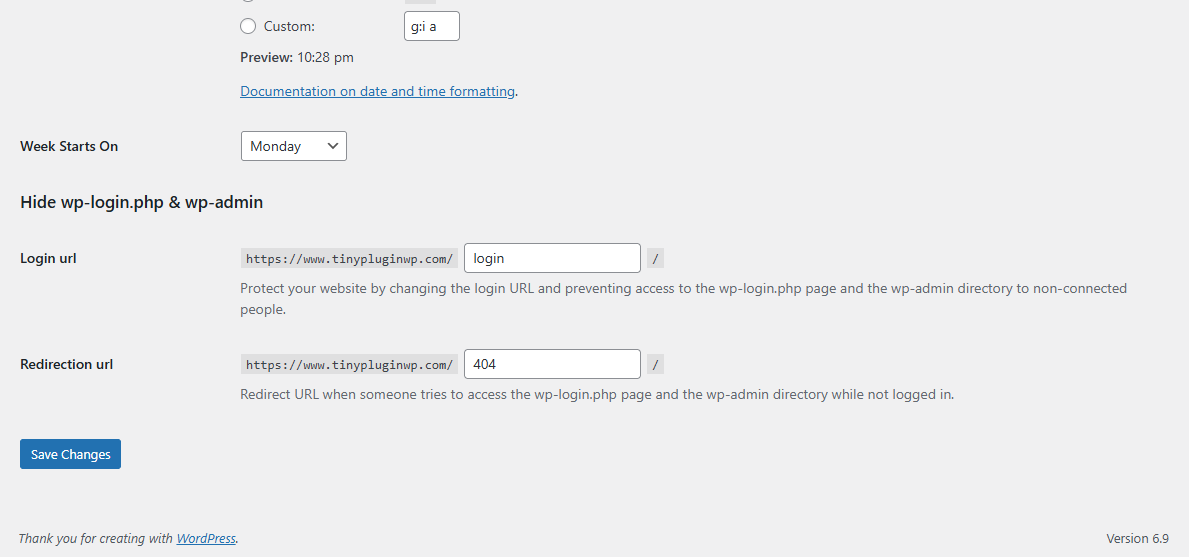
Hide wp-login.php & wp-admin is a lightweight security plugin that protects your WordPress site by hiding the default login and admin URLs from public access.
By changing or masking the standard wp-login.php and /wp-admin/ paths, this plugin helps prevent brute-force attacks, credential stuffing, and automated bot scans that target WordPress login pages.
No complex configuration required. Install, activate, and your login page is protected.
Key Features
-
Hide default
wp-login.phpand/wp-admin/URLs -
Block unauthorized access to the WordPress admin area
-
Protect against brute-force and bot attacks
-
Reduce login page scanning and automated exploits
-
Lightweight and performance-friendly
-
No impact on SEO or frontend pages
How It Works
-
Prevents direct access to default WordPress login and admin URLs
-
Allows access only through your custom or protected login path
-
Returns a restricted response for unauthorized visitors
-
Keeps WordPress core files untouched
Why You Need It
The default WordPress login URLs are publicly known and frequently targeted by attackers. Hiding these endpoints adds an extra layer of security by reducing attack surface and server load.
This plugin is ideal for:
-
Business websites
-
Membership sites
-
WooCommerce stores
-
Blogs and content sites
Compatibility
-
Compatible with all modern WordPress themes
-
Works with most security and caching plugins
-
No conflicts with SEO plugins
-
Multisite compatible
What You Get
-
Ready-to-install WordPress plugin
-
Simple and clean codebase
-
Lifetime usage
-
Lifetime updates
Installation
-
Upload the plugin
-
Activate it
-
Access your admin panel securely
Your WordPress login is now hidden and protected.
Instant Download After Checkout
After completing your checkout, the plugin is available for instant download.
No waiting time. Download, install, and activate immediately.
Frequently Asked Questions
Is this plugin compatible with WPML?
Yes, it is fully compatible with WPML.
Can I make fields mandatory or read-only?
Yes, any field can be marked as required or read-only.
Are custom fields shown on the checkout page?
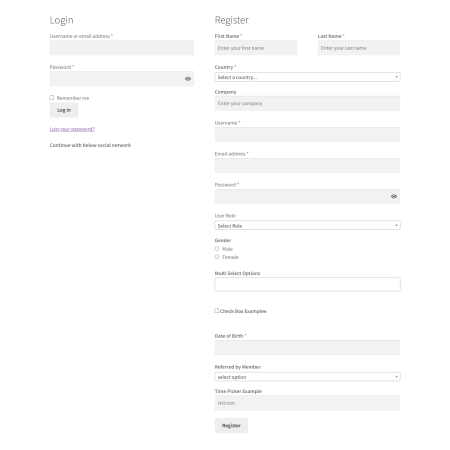
Yes, all fields except file uploads are displayed when users create an account during checkout.
Can users edit their information later?
Yes, users can view and edit custom fields in the My Account section.
Where can admins view submitted data?
All custom registration data is stored in the WordPress database and visible in the Users section.
Can I reorder fields?
Yes, fields can be reordered easily using drag and drop.